
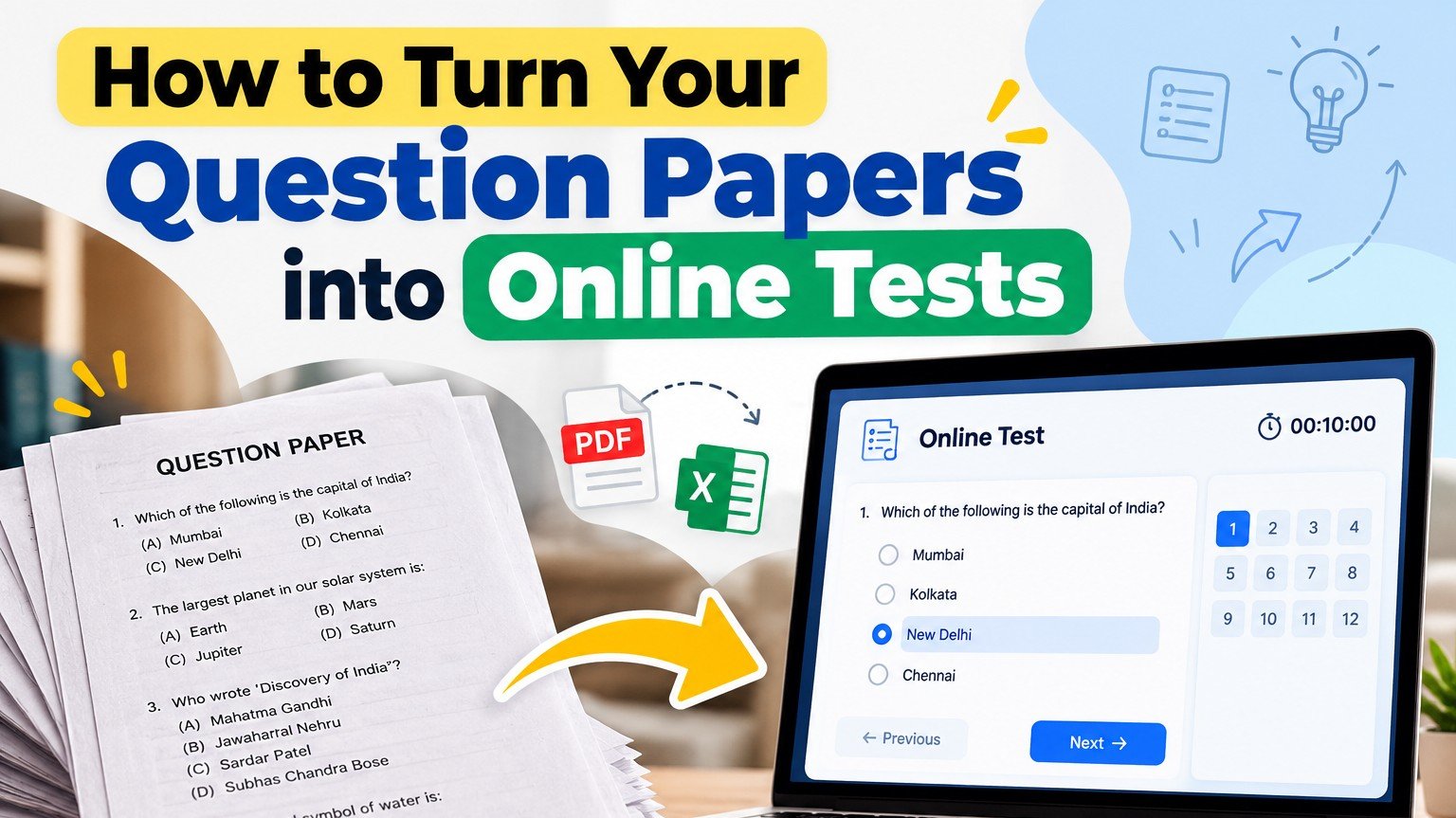
Every established coaching institute has a treasure that it rarely thinks about: years of carefully prepared question papers. They sit in Word files, old spreadsheets, printed bundles and teachers' notebooks. Each one represents hours of work by experienced faculty.
Converting those papers into online tests gives that work a second life. Students can attempt them anywhere, results are instant, and the same questions can be reused across batches for years. Here is how to do it efficiently.
First, sort what you have
Your papers probably exist in three forms, and each needs a slightly different approach:
- Digital and structured: questions already in Excel or a well-formatted Word file.
- Digital but unstructured: PDFs or Word files with mixed formatting.
- Printed or handwritten: physical papers or scanned copies.
Start with the first group. It gives you quick wins and builds momentum for the rest.
Papers already in Word or Excel
This is the fastest route. On CoachClass, download the Excel template from your mock test. Each row is one question, with these columns:
- question_text: the question itself,
- option_a to option_d: up to four options,
- correct_option: A, B, C or D,
- explanation: optional, but highly recommended,
- difficulty_level: easy, medium or hard.
Copy your questions into the template, upload it, and the whole paper is added in one step. The template works with Hindi as well as English. If any row has a problem, you will see which row needs attention, so corrections are quick.
After the upload, imported questions appear in an Unassigned group. Simply move them into the right sections of your test, such as Reasoning or Mathematics.
PDFs and unstructured files
Copying from PDFs often brings stray line breaks and broken symbols. A practical approach:
- Copy the questions into a spreadsheet, one question per row.
- Clean up spacing and symbols once, in the spreadsheet.
- Split options into their own columns and add the correct option letter.
- Upload using the Excel template.
Assign one person to cleaning and another to checking. A second pair of eyes catches far more errors.
Printed or handwritten papers
These take the most effort, but they are often the most valuable, because they contain your institute's original questions. Two approaches work well:
- Retype in batches: assign each teacher one subject and a modest weekly target. Steady progress beats an exhausting one-time push.
- Use images for complex questions: for diagrams, figures, tables or mathematical expressions that are difficult to type, add the question as an image and type only the options. CoachClass supports images on individual questions.
Quality checks before going live
Old papers sometimes contain outdated facts or answer-key errors. Before publishing a converted test:
- verify the answer key, ideally by a teacher who did not enter the questions,
- update current-affairs and fact-based questions that may be outdated,
- check that images are clear on a phone screen,
- add short explanations to questions students commonly get wrong.
Organise for reuse
The real power appears when questions are reusable. Questions you add individually on CoachClass are saved to your Question Bank, organised by subject and topic, and you can also build the bank directly. With a well-organised bank, creating a fresh revision test, a chapter test or a full mock becomes a task of minutes rather than hours.
A realistic conversion plan
Say your institute has 40 old papers of 100 questions each. Converting all 4,000 questions at once is unrealistic. Instead:
- Week 1: convert the five most useful digital papers using the Excel template.
- Weeks 2–4: convert the remaining digital papers, a few each week.
- Ongoing: each teacher converts a small, fixed number of printed questions every week.
Within a few months, your entire archive becomes a living, searchable resource.
What you gain
Once converted, every paper can be assigned to any batch, attempted on the web or through the CoachClass Android app, and evaluated instantly. You can even package your best papers into a free or paid Test Series and share your institute's expertise with students beyond your classroom. That is a remarkable return on work your faculty has already done.
Frequently asked questions
Can I upload questions with more than four options?
The Excel template supports up to four options per question, which matches the format of most competitive exams.
Which file formats can I upload?
The question import accepts Excel (xlsx, xls) and CSV files based on the template.
Can I add images through Excel?
Images are added to individual questions after import. Use Excel for the text and add images where needed.
Give your question papers a second life. Create a free CoachClass coaching account, download the Excel template, and convert your first paper today. Students can attempt it on the CoachClass app from Google Play. Explore more on our coaching institutes page.