
Picture a familiar Sunday evening. The test ended at 1 PM, and ninety answer sheets are waiting on your desk. Checking them takes the rest of the day, the marks go into a register, the result chart is ready by Monday, and by the time students see their mistakes it is already Wednesday.
This is exactly the moment when many coaching owners begin looking for online test software. The good news is that the right platform can turn that entire Sunday into a few minutes of work. The challenge is choosing well, because every product claims to do everything.
This guide is here to make that decision clear and confident. No brochure language, only what genuinely matters for a coaching institute with real batches and real students.
Start with a clear picture of your needs
Before you open a single demo, take a moment to answer three questions:
- How many tests do you conduct each month? A single monthly test and weekly tests across five batches are very different requirements.
- Who will create the tests? If you will be preparing them yourself after classes, the software must be quick and simple. A dedicated academic team can manage a little more setup.
- Where will students attempt them? In your computer lab, at home on their phones, or both?
A typical small or mid-sized coaching institute runs two to six batches, holds a weekly or fortnightly test, and has students who mostly use mobile phones. If this describes your institute, the checklist below is written for you.
Seven features that truly matter
1. Creating a test should take minutes
A full mock test contains around 100 questions. If every question must be typed individually, with four options and a correct answer each time, the process quickly becomes exhausting. This is the most common reason institutes abandon a tool after a few weeks.
Look for two capabilities. First, a question bank organised by subject and topic, so a question entered once can be reused across many tests. Second, bulk upload from Excel. Most teachers already maintain questions in Word or Excel files, and a ready-made template lets you upload an entire paper in one step.
2. The experience should match the real exam
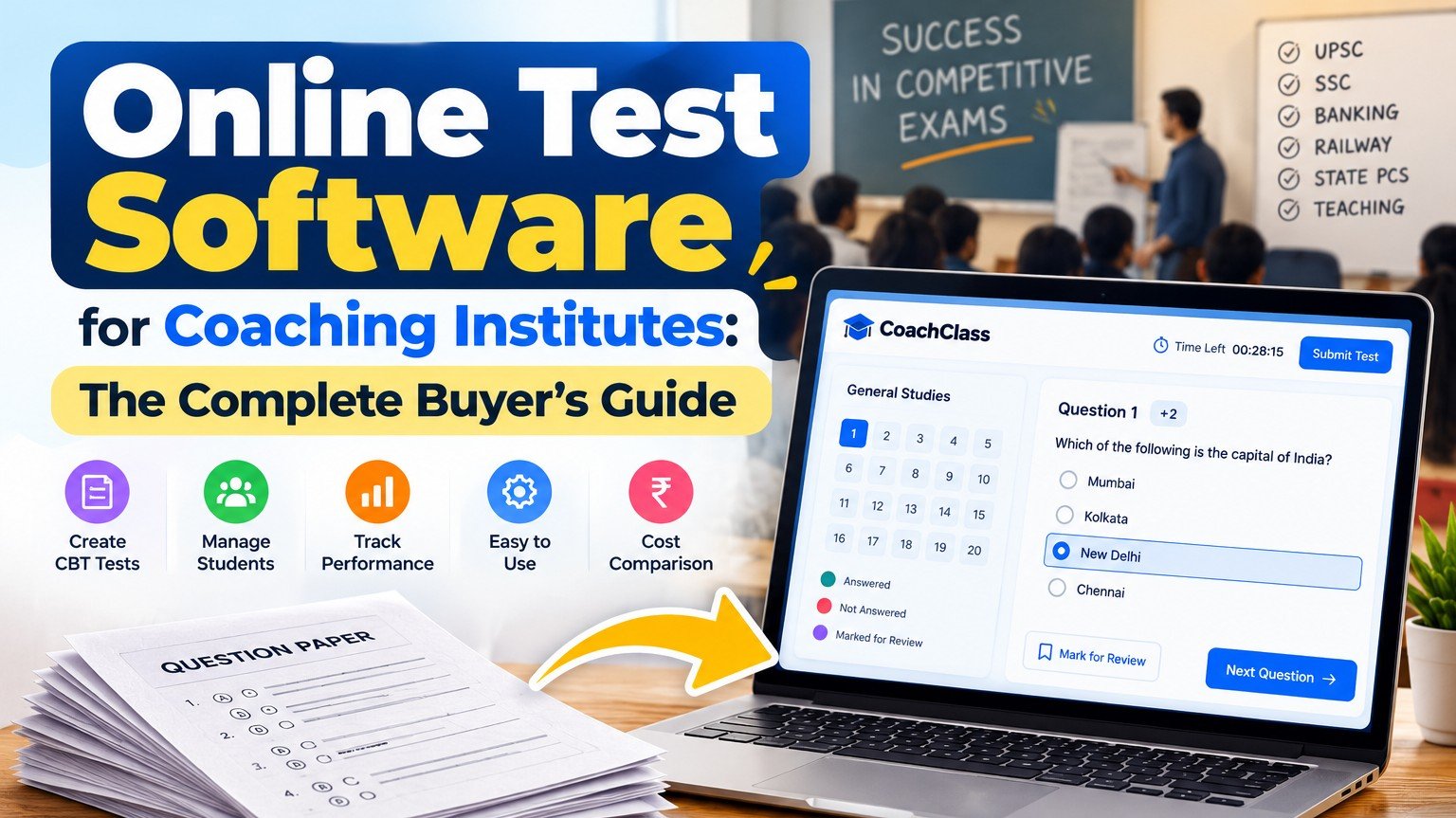
SSC, Railway, Banking and many state examinations are now computer-based. Candidates face a timer, a question palette, a "mark for review" option and section tabs. When students meet that screen for the first time on exam day, nervousness alone can cost them valuable marks.
A strong platform offers students the same CBT-style interface during practice, so the real exam feels familiar and comfortable.
3. Complete control over marking
Every examination follows its own marking pattern. Check that you can set marks per question, negative marking (such as 0.25 or 0.33 per wrong answer), a time limit and a passing score. If a tool only awards one mark per correct answer, it is a quiz tool rather than a mock test platform.
4. Results the moment the test ends
This is where students immediately feel the difference. Every test is evaluated automatically, so scores, accuracy and correct answers are available instantly. Imagine announcing results before students have even left the classroom!
You should also be able to decide when results become visible: immediately for practice tests, or later for scholarship tests where answers must stay private. For teachers, the most valuable view is batch-level performance, which shows exactly which topics need revision on Monday.
5. Tests organised by batch
Morning and evening batches rarely take the same test on the same day. The software should let you assign each test to specific batches, so every group sees only what is meant for it.
6. Students should be able to test on their phones
Most students do not have a laptop at home, so mobile access is essential. Always check how a test appears on an affordable Android phone, not only on your office computer. A dedicated mobile app makes regular practice far easier.
7. An opportunity to grow beyond your classroom
Some platforms allow you to package your tests into a test series and offer it to students, including learners outside your own institute. If your faculty already writes high-quality papers, this creates an exciting new way to reach more students with work you have already done.
What you can safely skip at the beginning
Demonstrations often highlight dashboards with twenty different charts, yet most institutes rely on three or four of them. Choose a platform for the features you will use every week, and grow into advanced options over time.
Key questions to ask before you decide
- Can I try the platform free with a real batch before paying?
- How do I bring in my existing questions? Is an Excel template provided?
- Does negative marking work exactly the way my target exam does?
- What exactly will students see on a mobile phone?
- Can I export my questions if I ever decide to move?
- Who should I contact if something goes wrong on test day?
Clear, confident answers to these questions are a strong sign that you are speaking with the right provider.
When test software may not be necessary yet
If you run one small batch and conduct a single test each month, paper tests or a simple online form may be perfectly adequate. The real benefits appear once you manage several batches, conduct weekly tests, and students ask every Monday when their results will be ready. At that stage, the hours saved each week make a remarkable difference.
How CoachClass supports coaching institutes
CoachClass was built specifically for institutes like yours. You can create mock tests with sections, negative marking and time limits, upload questions using our Excel template, maintain a subject and topic-wise question bank, and assign tests to individual batches. Students attempt tests in an exam-style CBT interface on the web or through the CoachClass Android app, and results are ready as soon as they submit. When you are ready to expand, you can also turn your tests into a free or paid test series.
Every institute is different, and the checklist above will help you evaluate any platform with confidence.
Frequently asked questions
Is online test software expensive for a small coaching institute?
Not necessarily. Many platforms, including CoachClass, offer a free plan so you can experience the platform with real students before making any investment.
Will students copy more in online tests?
For tests taken at home, some may try, just as with homework. Conduct important tests in your classroom or lab with a time limit, and treat home tests as valuable practice. The purpose of a mock test is learning and improvement.
Can we continue conducting paper tests as well?
Absolutely. Many institutes combine weekly online practice tests with a monthly paper or lab-based test.
Ready to see the difference with your own batch? Create a free CoachClass coaching account, build a short test, and share it with a few students. Your students can also attempt tests on the go with the CoachClass app on Google Play. To learn more, explore CoachClass for coaching institutes.